MobileFirst-Personal Websites
Latest News
|MobileFirst-Personal Websites
Latest News

Subscribe

MobileFirst-Personal Websites Newsletter - March 3, 2026

|
MobileFirst-Personal Websites

MobileFirst-Personal Websites

Archives

MobileFirst-Personal Websites Newsletter - March 3, 2026

MobileFirst-Personal Websites Newsletter - March 3, 2026
The distinctions between adaptive and responsive website solutions

Steve Pond

Mar 3, 2026

March 3, 2026

The Paradigm Shift

- Why Mobile-First Design Isn't Just Responsive Design

Traditional Website Building: The Desktop-Down Approach


For years, platforms like WordPress, GoDaddy, and Wix have dominated website creation by following a desktop-first methodology. These established platforms begin their design process by creating layouts optimized for desktop screens, then attempt to scale those designs down to accommodate mobile devices. They rely on responsive frameworks that adapt existing desktop designs to smaller screens, which often results in compromised mobile experiences characterized by hidden menus, shrunk content, and slower load times. To achieve even basic mobile optimization, these platforms typically require additional plugins and tools, adding layers of complexity to what should be a straightforward process.


The Mobile-First Alternative: Building Up, Not Down


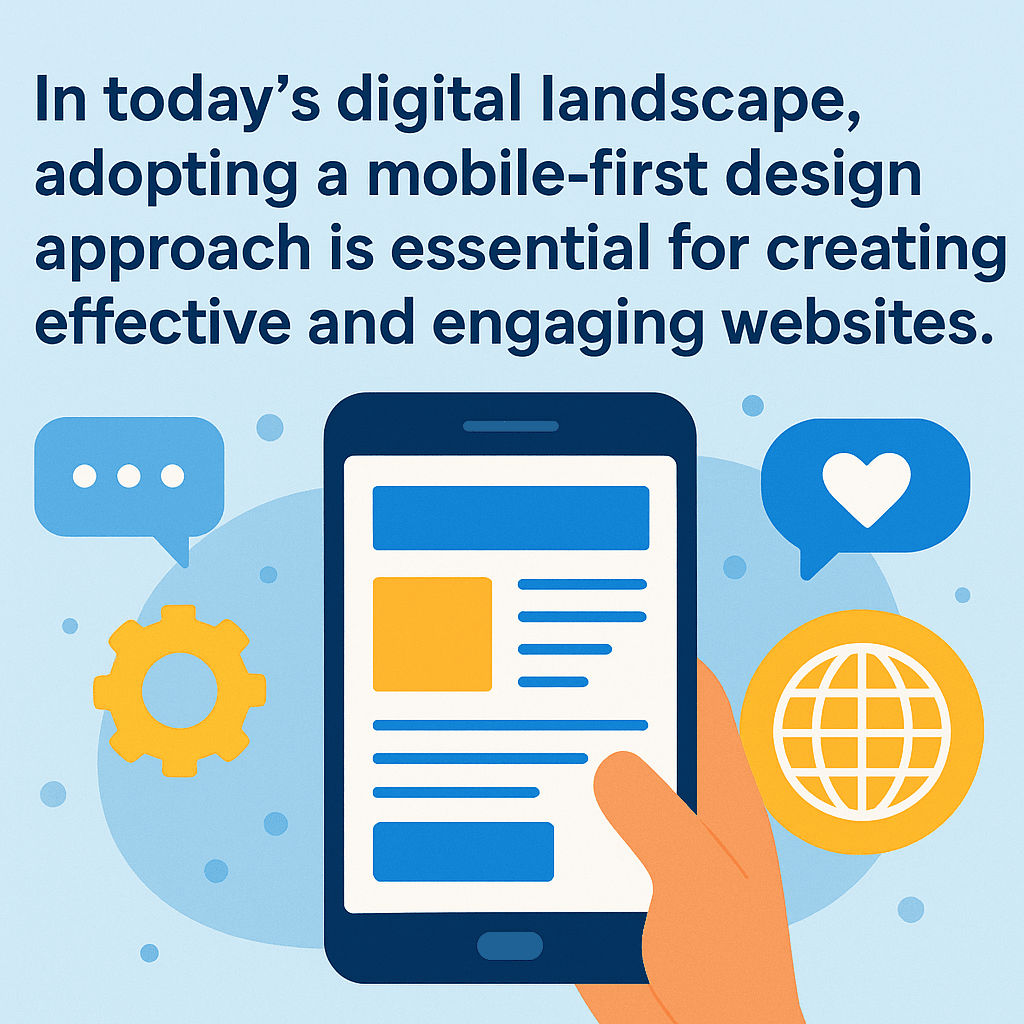
Platforms like mobilefirst-personal.com and mobileintros.com represent a fundamental shift in thinking about web design and development. Rather than starting with the desktop experience and working backward, these platforms begin with the mobile screen as the primary canvas. They design for touch interactions, thumb-friendly navigation, and vertical scrolling from the very start of the development process. When it comes time to display content on larger screens, these platforms scale up by enhancing the core mobile experience rather than compromising a desktop design. This approach prioritizes performance and speed for mobile networks by default, ensuring that the most common use case receives the best possible treatment.


Key Philosophical Differences


The traditional platforms of WordPress, Wix, and GoDaddy operate under the assumption that the desktop version is the "real" website, while mobile is treated as an afterthought or secondary concern. These platforms offer feature-rich environments that, while powerful, often become bloated with unnecessary functionality. Their templates are fundamentally designed for mouse and keyboard interaction first, with touch capabilities added later in the process.


In contrast, mobile-first platforms like mobilefirst-personal.com and mobileintros.com flip this paradigm entirely. They treat mobile as the primary experience and consider desktop an enhancement of that foundation. These platforms maintain lean, fast, and focused architectures that prioritize essential content. From their very conception, they are built to be touch and gesture-native, ensuring that every interaction feels natural on the devices most people actually use to browse the web.

Trivia Question❓

What popular mobile messaging app was created as a mobile-first website before developing its mobile app in 2009?

Answer at the bottom of the newsletter

Adaptive Development vs. Responsive Retrofitting: Understanding the Technical Divide

What Traditional Platforms Do: Responsive Retrofitting


When you build a website on WordPress, Wix, or GoDaddy, you're typically working within a responsive design framework. This approach uses a single codebase that rearranges elements based on screen size, employing CSS media queries to hide or show content at different breakpoints. While this sounds efficient in theory, it means that the same assets—including images, scripts, and stylesheets—are loaded regardless of which device is accessing the site. This approach frequently results in unnecessary code being downloaded on mobile devices, causing slower page loads on cellular connections. Additionally, features that work perfectly well with a mouse often don't translate effectively to touch interfaces, creating frustrating user experiences on phones and tablets.


What Mobile-First Platforms Do: Adaptive Development


Mobilefirst-personal.com and mobileintros.com take a fundamentally different approach through true adaptive development. These platforms build a mobile-optimized core from the ground up, then conditionally load assets based on actual device capabilities. They incorporate touch-first interface elements such as swipe gestures, appropriately sized tap targets, and bottom navigation that's easily reachable with thumbs. Rather than forcing mobile users to deal with a compressed desktop experience, these platforms use progressive enhancement to add features and expand layouts when larger screens are available. This methodology results in faster initial load times, reduced data consumption, native app-like interactions, and significantly better performance scores on metrics like Google's Core Web Vitals.


The Performance Impact


Traditional platforms often struggle with mobile performance metrics despite their popularity and extensive feature sets. They typically load large CSS and JavaScript bundles that include code for features not even visible on mobile devices. Desktop-sized images are frequently served to mobile devices, wasting bandwidth and slowing load times. Multiple plugins can conflict with each other, creating overhead that compounds the performance problems. As a result, websites built on these platforms often have average mobile load times ranging from three to eight seconds—an eternity in the mobile browsing world where users expect near-instantaneous responses.


Mobile-first platforms, by contrast, are architected specifically for performance. They maintain minimal initial payloads, serving only what's necessary for the first render. Images are optimized for mobile-first display, and code execution is streamlined to eliminate waste. These optimizations typically result in average mobile load times of just one to two seconds, providing the snappy, responsive experience that modern users demand.


Development Workflow Comparison


The difference between these approaches becomes even clearer when you examine the actual development workflow. Traditional desktop-first development begins with designing a desktop mockup, then building out the desktop version of the site. Only after the desktop version is complete do developers add responsive CSS to make it work on smaller screens. This leads to a testing phase where mobile issues are discovered and need to be fixed, followed by compression and optimization efforts to improve mobile performance. It's a reactive process that treats mobile as a problem to be solved rather than the primary use case.


Mobile-first adaptive development inverts this workflow entirely. Development begins with a mobile mockup that's then built out as a fully functional mobile version. This mobile version is tested and perfected before any work on desktop begins. Desktop becomes an opportunity to progressively enhance the experience by leveraging additional screen space, and because the foundation is already optimized, there's no need for a separate compression and optimization phase. The site is already fast, already efficient, and already built for the way most people will actually use it.

Google’s new Web Install API is changing how users add Progressive Web Apps (PWAs) to their devices.


Created with major input from Microsoft Edge engineers, this tool lets websites offer “install” buttons directly on their own pages.


Users can now install PWAs without needing browser prompts or searching app stores, while directories and catalogs can also enable one-click installations across desktop browsers.


User security remains a priority: browsers always require confirmation before any app goes onto a device, preventing unwanted installations.


The Web Install API is already available on desktop versions of Chrome and Edge, with Android support on the way.


Firefox and Safari are in talks to join but haven’t rolled out the feature yet.


This update marks a major step toward easier app discovery and installation, giving people more control and reducing dependence on traditional app stores.


Read More...
Q/A Questions

Q: What is the main difference between traditional website building and the MobileFirst approach?


A: Traditional website building often starts with a desktop-sized layout that is then scaled down for smaller devices, often leading to compromised mobile experiences. The MobileFirst approach, instead, starts with the mobile screen as the primary canvas, designing an optimal mobile experience first and then scaling up for larger screens.


Q: Can a MobileFirst website easily be transformed into a Progressive Web App (PWA)?


A: Yes, one of the main advantages of MobileFirst platforms like mobilefirst-personal.com and mobileintros.com is their built-in PWA capabilities. This feature allows these websites to be easily transformed into PWAs that can be installed directly onto a user's phone, providing an app-like experience without the need for app store downloads.


Q: How do MobileFirst platforms improve mobile performance?


A: MobileFirst platforms improve mobile performance by prioritizing speed and performance for mobile networks by default. They create a mobile-optimized core that conditionally loads assets based on the device's capabilities, ensuring faster load times and a smoother user experience.

Progressive Web Apps (PWAs): The Mobile-First Advantage

What is a PWA and Why Does It Matter?


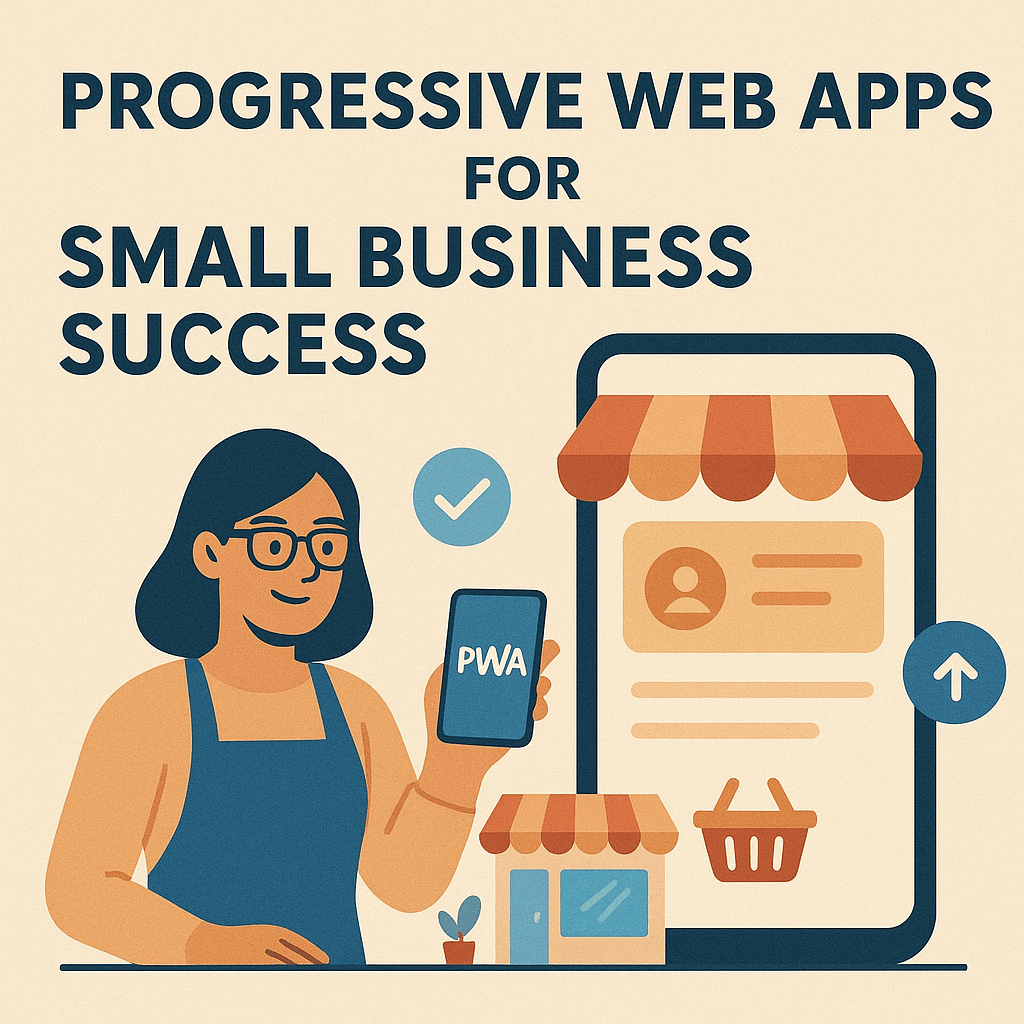
Progressive Web Apps represent one of the most significant convergences of web and native app experiences in recent years. Unlike traditional websites that only exist in a browser tab, PWAs can be installed directly to a user's home screen, where they function like native apps without requiring downloads from app stores. They offer offline functionality, allowing users to access content even without an internet connection. PWAs can send push notifications to re-engage users just like mobile apps do, and they can access device features such as the camera, GPS, and local storage. Perhaps most importantly, PWAs update automatically without requiring any action from the user, ensuring everyone always has the latest version.


The Mobile-First PWA Advantage


Platforms like mobilefirst-personal.com and mobileintros.com are architected specifically with PWA transformation in mind, making the conversion from website to app-like experience remarkably straightforward. These platforms come with service workers pre-configured for offline caching, meaning the technical infrastructure for offline functionality is already in place. App manifest files, which define how the PWA appears and behaves when installed, are automatically generated based on your site settings. Mobile-optimized install prompts are built into the platform, encouraging users to add your site to their home screen at the right moment. Touch-gesture libraries are already integrated into the framework, ensuring that interactions feel natural and responsive. Perhaps most impressively, many mobile-first platforms offer one-click PWA deployment, transforming your website into a progressive web app without requiring any technical expertise.


The real magic happens when your mobile-first website becomes a PWA and claims real estate on the user's phone. The process is beautifully simple: a user visits your site on their phone, and the browser prompts them to "Add to Home Screen." Once they accept, your custom branded icon appears on their home screen alongside their native apps. When users tap that icon, your PWA opens in full-screen mode without browser chrome, providing a fast, app-like experience without any of the friction associated with app store downloads, permissions, or updates.


Traditional Platforms and PWAs: The Struggle


While it's technically possible to convert WordPress, Wix, or GoDaddy sites into PWAs, the process is fraught with challenges and limitations. WordPress users must rely on plugins like PWA Plugin or SuperPWA, which require complex configuration and technical knowledge that most site owners don't possess. Even when properly configured, these solutions often suffer from performance issues due to WordPress's desktop-first architecture. The result frequently feels like a website that's been forced into an app wrapper rather than a true app-like experience. Service workers can conflict with existing plugins, creating debugging nightmares that require developer intervention.


Wix and GoDaddy users face even more significant obstacles. These platforms offer limited or no native PWA support, forcing users to rely on third-party services or custom development. Platform restrictions often prevent full PWA functionality from being implemented, and because these platforms weren't designed with app-like interactions in mind, the resulting PWAs rarely deliver the seamless experience users expect.


The Transformation Process: Mobile-First vs. Traditional


The difference in complexity between creating a PWA on mobile-first versus traditional platforms is striking. With mobile-first platforms like mobilefirst-personal.com and mobileintros.com, the process typically involves toggling PWA settings in your dashboard, customizing your app icon and splash screen to match your brand, configuring which pages should be available offline, and then publishing your changes. The entire process can be completed in ten to fifteen minutes, even by someone with no technical background.


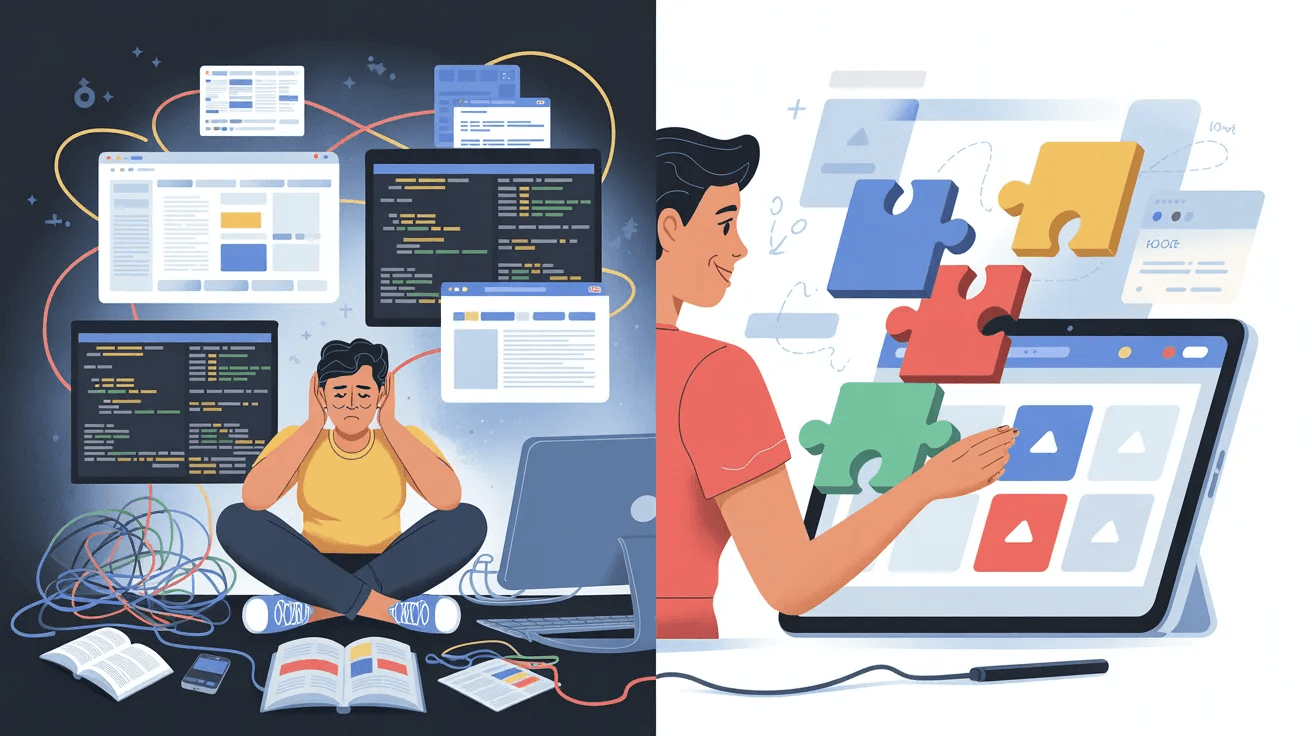
The same transformation on traditional platforms requires a dramatically different level of effort. You must first research and install the appropriate plugins or sign up for third-party services. Then comes the complex task of configuring service workers, which handle the caching and offline functionality. You'll need to create a manifest file manually or through a plugin, then optimize your site specifically for app-like performance—a challenge given that it wasn't built with that goal in mind. After implementation, you'll likely need to debug conflicts between your PWA functionality and existing site features. Finally, extensive testing across multiple devices is necessary to ensure everything works as expected. This process can take anywhere from several days to several weeks, depending on the complexity of your site and your technical expertise.


Business Impact of PWA + Home Screen Presence


The business case for PWAs backed by home screen presence is compelling and backed by substantial data. Studies consistently show that PWAs with home screen icons achieve conversion rates that are thirty-eight percent higher compared to mobile web experiences. User engagement increases by forty-four percent on average when users can access your content through a home screen icon rather than typing a URL or searching. Repeat visit rates triple when your icon sits among a user's most-used apps, serving as a constant reminder of your brand. Bounce rates decrease by twenty-five to thirty percent because PWAs load faster and provide more engaging experiences than traditional mobile websites.


When users see your icon daily among their apps, your brand maintains a position in their awareness that no traditional website can match. This constant visibility translates directly into increased engagement and, ultimately, improved business outcomes.

In 2026, New York City’s tech scene is leading a shift to mobile-first strategies, as businesses recognize that just having a mobile app is no longer enough.


Companies are embedding artificial intelligence in their app design, powering personalized recommendations, predictive analytics, and smart automation.


This proactive AI helps apps anticipate user needs, increasing engagement and user satisfaction.


Inspired by Asia’s success, super apps—offering payments, messaging, and e-commerce in one interface—are gaining traction among New York startups eager to provide seamless user experiences.


The arrival of 5G technology is transforming apps with real-time communications, smooth streaming, and more powerful features, especially in healthcare, gaming, and IoT.


Security and privacy are also paramount, with local developers adopting practices like end-to-end encryption and minimal data collection to protect users and comply with regulations.


These trends place New York at the forefront of intelligent, secure mobile innovation.


Read More...
Secret Little Hack

Want to make your MobileFirst website even more engaging? Use high-quality, mobile-optimized images. Mobile users often browse on smaller screens and slower networks, so it's crucial to use images that load quickly yet still look sharp on high-resolution screens. Tools like Squoosh or TinyPNG can help compress your images without compromising their quality.

Making the Switch: Is Mobile-First Right for Your Business?

Who Benefits Most from Mobile-First Platforms?


Not every business or project is an ideal candidate for mobile-first platforms, but certain use cases benefit dramatically from this approach. Local businesses such as restaurants, salons, and service providers are prime candidates because their customers primarily search for and browse their information on phones. Quick access to hours, location, and contact information is critical for these businesses, and the PWA install prompt can turn first-time visitors into repeat customers who have instant access from their home screen.


Personal brands and portfolios also thrive on mobile-first platforms. Creative professionals can showcase their work in mobile-optimized galleries that look stunning on the devices where most browsing happens. Fast-loading portfolios ensure that potential clients on the go get immediate access to your work without frustration. The ability to maintain a professional presence on prospects' home screens keeps you top-of-mind when opportunities arise.


Event promotions and landing pages represent another ideal use case. Mobile ticket purchases happen more frequently than desktop purchases for most events, and attendees need quick access to event information while traveling to venues. Event reminders delivered through PWA notifications ensure attendees don't miss important updates or schedule changes.


E-commerce businesses focused on mobile shoppers can leverage mobile-first platforms to create streamlined mobile checkout experiences that minimize friction and abandoned carts. The app-like shopping experience feels more trustworthy and professional than traditional mobile websites, and push notifications can alert customers to promotions, restocks, or abandoned cart reminders.


When Traditional Platforms Still Make Sense


Despite the advantages of mobile-first platforms, WordPress, Wix, and GoDaddy continue to make sense for certain projects. Complex content management systems with multiple contributors often require the robust user management and permission systems that mature platforms provide. Large-scale e-commerce operations may need the extensive plugin ecosystems that platforms like WooCommerce for WordPress offer, with integrations for shipping, inventory, accounting, and customer relationship management.


Desktop-focused B2B businesses where desktop browsing dominates the customer journey may not benefit as much from mobile-first optimization. Similarly, blogs with extensive archives requiring robust search, categorization, and content organization capabilities may find traditional platforms better suited to their needs. Projects that depend on extensive third-party integrations—such as specific payment gateways, marketing automation tools, or legacy systems—may find that only established platforms offer the necessary connectivity.


Key Decision Factors


The decision between mobile-first and traditional platforms ultimately comes down to how your specific audience engages with your content. You should choose mobile-first platforms when seventy percent or more of your traffic comes from mobile devices. If speed and performance are critical to your business success—such as in e-commerce where every second of load time impacts conversion rates—mobile-first architecture provides a significant advantage. When you want PWA capabilities without technical complexity, mobile-first platforms deliver app-like experiences with minimal effort. If your content and features naturally fit mobile-screen priorities without requiring extensive horizontal layouts or complex interactions, mobile-first makes sense. Finally, if you need a presence on customers' home screens to stay top-of-mind and encourage repeat engagement, mobile-first platforms with easy PWA deployment are the clear choice.


Conversely, you should choose traditional platforms when you need extensive customization options and access to thousands of plugins. If your desktop experience is equally or more important than mobile—perhaps because you're targeting professionals who primarily work from workstations—traditional platforms give you more flexibility. Complex backend functionality, such as custom user roles, advanced workflows, or integrations with enterprise systems, often requires the maturity that established platforms provide. When multiple team members need granular CMS access with different permission levels, traditional platforms typically offer more sophisticated user management. Finally, if you're already deeply invested in a platform ecosystem—with extensive customization, plugins, and integrations—the cost of migration may outweigh the benefits of switching.


Migration Considerations


Moving to mobile-first platforms from traditional ones presents both opportunities and challenges. The migration process often becomes an opportunity to simplify content, eliminating the cruft that accumulates on long-standing websites. Performance improvements are typically immediate and dramatic, as mobile-first architecture eliminates the bloat common in traditional platforms. The mobile user experience invariably improves, but this may require prioritizing features and accepting that not everything from your current site will translate directly.


Businesses that choose to stay with traditional platforms shouldn't ignore mobile optimization entirely. Consider undertaking a mobile-first redesign within your current platform, focusing on mobile experience even if you remain on WordPress or Wix. Invest in performance optimization through caching, image optimization, and code minimization. Explore PWA plugins for your existing site, accepting that the implementation will be more complex than on mobile-first platforms but still potentially valuable.


The Hybrid Approach


Some businesses find success with a hybrid approach that leverages the strengths of both platform types. They might maintain their traditional platform for the main website and desktop experience while creating a mobile-first platform specifically for mobile landing pages that drive conversions. Others use PWAs built on mobile-first platforms for app-like customer engagement while keeping their comprehensive content library on a traditional CMS. This approach allows businesses to optimize for different use cases without forcing every aspect of their web presence into a single platform.


The Future is Mobile-First


Current trends strongly support the mobile-first approach for most businesses. Mobile devices now account for over sixty percent of web traffic globally, and this percentage continues to grow year over year. Google's mobile-first indexing means that the search engine giant now ranks websites based primarily on their mobile experience, making mobile optimization essential for SEO. PWA adoption is growing at approximately thirty percent annually as both businesses and users discover the benefits of app-like web experiences. Users increasingly expect app-like experiences without the friction of downloads, and they're more likely to engage with businesses that meet these expectations. Finally, the rollout of 5G networks makes mobile browsing potentially faster than many home broadband connections, eliminating one of the last advantages desktop browsing held.


Taking Action


To evaluate whether mobile-first platforms are right for your business, start by analyzing your mobile versus desktop traffic split in your analytics platform. Test mobilefirst-personal.com or mobileintros.com with a demo project to get hands-on experience with the development workflow and capabilities. Compare page speed scores between your current site and a mobile-first alternative using tools like Google PageSpeed Insights. Survey your customers about their willingness to install a PWA to their home screen—you might be surprised by the enthusiasm. Finally, calculate the potential return on investment from improved mobile conversion rates, considering how even small percentage improvements in conversion can dramatically impact revenue.


The choice between mobile-first and traditional platforms isn't about which approach is universally "better"—it's about which aligns with how your specific audience actually engages with your content. If your customers are scrolling through their phones looking for you, meeting them where they are with a mobile-first, PWA-enabled experience isn't just smart—it's essential for competitive success.


The question isn't whether mobile matters anymore. Everyone acknowledges that it does. The real question is whether you'll embrace a mobile-first approach that treats mobile as the primary experience, or whether you'll continue retrofitting desktop experiences for an increasingly mobile world. As mobile usage continues to grow and user expectations continue to rise, that decision becomes less about preference and more about survival.

Fun Fact


Did you know that mobilefirst-personal.com and mobileintros.com are built with adaptive development? This means they are designed to adapt to the user's environment based on device capabilities. This results in an optimal viewing experience across a wide range of devices, from mobile phones to tablets to desktop computers.

Mobile-First platforms offer a compelling alternative

These articles demonstrate that mobilefirst-personal.com and mobileintros.com represent more than just alternative website builders—they embody a fundamental shift in how we think about web presence in an increasingly mobile world. By starting with mobile as the primary use case and progressively enhancing for desktop rather than the reverse, these platforms deliver superior mobile performance that translates directly into better user experiences and business outcomes.


The true adaptive development approach employed by mobile-first platforms stands in stark contrast to the responsive retrofitting common in traditional platforms. While responsive design attempts to make desktop experiences work on mobile, adaptive development creates genuinely mobile-optimized experiences from the ground up. This architectural difference manifests in faster load times, more intuitive interactions, and interfaces that feel native to the devices people actually use.


Perhaps most significantly, mobile-first platforms offer seamless PWA transformation that puts your brand directly on users' home screens. This valuable real estate keeps your business top-of-mind in a way that traditional websites simply cannot match. The ability to function like a native app without app store friction removes barriers to engagement and creates opportunities for deeper customer relationships.


The future-proof architecture of mobile-first platforms positions businesses to take advantage of emerging technologies and user behaviors. As mobile usage continues to dominate and user expectations for app-like experiences grow, starting with mobile isn't just smart—it's essential.


For businesses where mobile engagement drives success, mobile-first platforms offer a compelling alternative to the traditional desktop-down approach of WordPress, Wix, and GoDaddy. The question isn't whether to optimize for mobile, but whether to make mobile the foundation of your entire web strategy.

💡 Answer to Trivia Question:
WhatsApp
/>
MobileFirst-Personal Websites

"Revolutionize Your Website with Mobile-First Personal Websites Now!"


© 2026 MobileFirst-Personal Websites.

Using mobile first technology to improve all aspects of website construction and mobile phone personalization

© 2026 MobileFirst-Personal Websites.