
Image |
Why Your Instagram Bio Is a Missed Opportunity |
How to Turn Your Instagram Bio into a Mobile Friendly Website Sales Funnel |
Why Your Instagram Bio Is a Missed Opportunity |
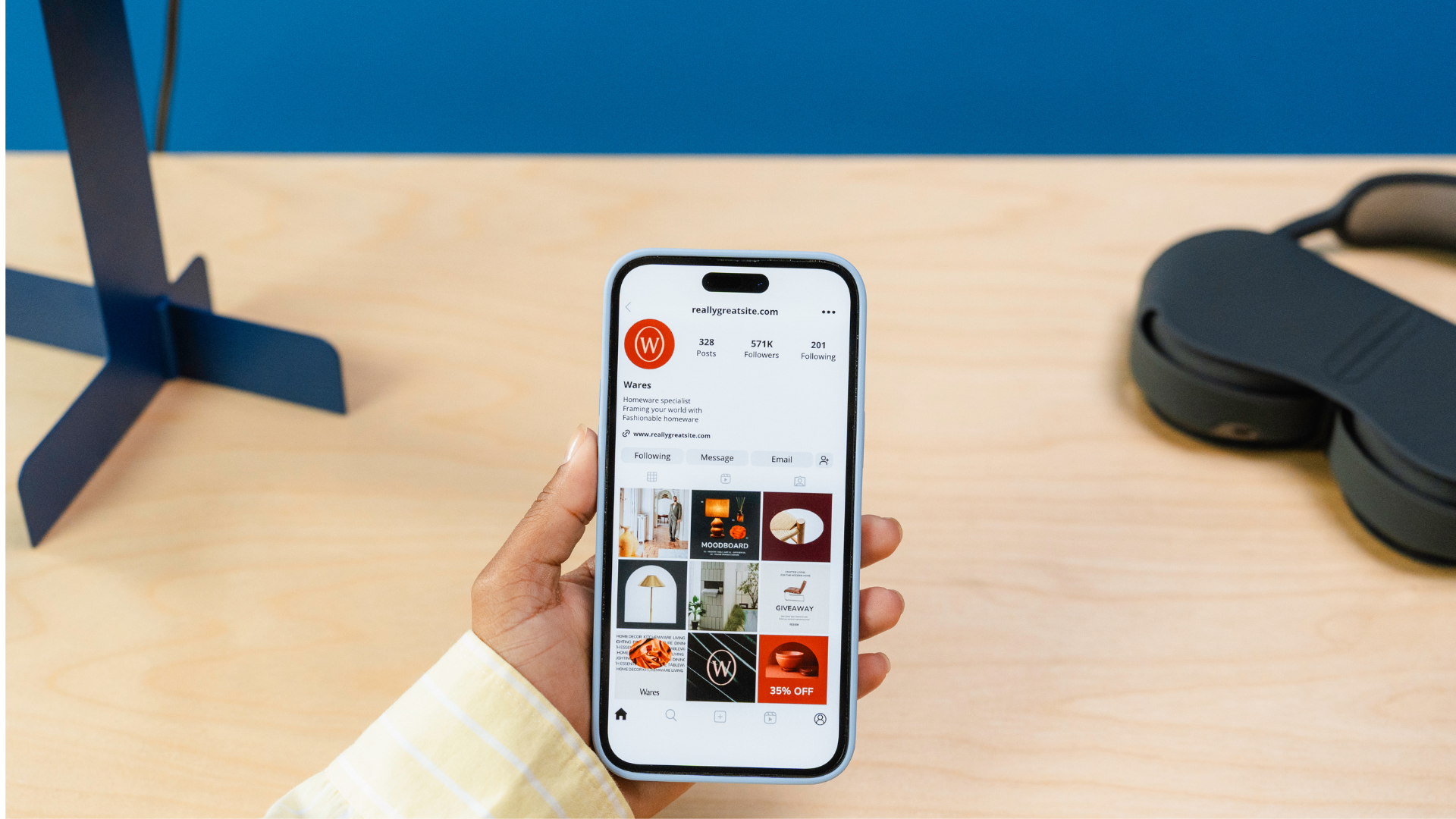
Your Instagram bio isn’t just a decorative corner it’s one of the most strategic pieces of real estate you have online. For solopreneurs, coaches, freelancers, and creators, it’s often the first and only chance to direct followers into your branded funnel. Yet many profiles fall short:
Worse: when mobile first websites visitors click your bio link and land on slow loading, unoptimized pages, they abandon within seconds frustrated, skeptical, and unlikely to convert.
The Cost of Inaction Here’s what the data reveals:
So if you’re ignoring mobile optimization, link strategy, or CTA clarity you’re leaving money on the table. Literally.
Step 1: Write a Bio That Converts Convert your Instagram bio from vague brand description to action oriented micro landing page.
Actionable Steps:
Step 2: Implement a Link in Bio Tool That Feels Like a Mini Funnel The Limitation: Instagram allows just one clickable link in your bio. If it’s directing to a busy homepage or external site without focus or CTA, you’re wasting the click.
Upgrade Approach: Using your own website makes it easier for people to find you. You can use it as a digital business card or to explain your services and products in detail.
Step 3: Build a Fast, Mobile First Landing Page (Tuned for Instagram Traffic) The Problem: Many link in bio tools route users to templates that aren't optimized for your branding or conversion end result: slow loading, clunky landing experience.
The Smart Fix: Use a mobile first website builder, like MobileFirst Personal. You get:
Why It Matters: When followers hit your landing page, it should feel like Instagram felt quick, simple, branded. If the experience is jarring (slow, ugly, generic), trust erodes and bounce increases. |
 |
Step 4: Use Visual & Messaging Consistency Key Strategy: Match your Instagram look & feel colors, fonts, tone on your landing page.
Result: A seamless brand journey that reassures mobile users they’re in the right place lowering friction and building trust for the conversion steps ahead.
Step 5: Place Clear, Benefit Driven CTAs The Mistake: Generic or confusing CTAs (“Learn More,” “Click Here”) or no CTA at all leave visitors without direction and high bounce rates follow.
Best Practice:
Step 6: Monitor Performance & Optimize What To Track:
How to Optimize:
Why This Funnel Strategy Works 1. Aligns with Mobile First Behavior Nearly all Instagram traffic comes via mobile and users expect an intuitive experience. This strategy avoids friction by meeting them where they are.
2. Builds Trust Through Design Continuity Consistent branding and tone reassure visitors. When landing pages reflect Instagram content visually and verbally, users feel confident taking the next step.
3. Guides Users with Purpose You’re not just providing links you’re guiding logical, step by step next moves from curiosity to conversion.
4. Remains Adaptable Update landing offers, rearrange content, and swap CTAs all without touching your IG bio ensuring agility for promotions, launches, and seasonal campaigns.
SEO & Long Term Benefits
Quick 10 Minute Audit: How to Know if You're Leaking Followers Ask yourself:
If you answered “no” to one or more of these, you're missing potential conversions right now.
Build Your Funnel Without Code You don't need technical skills to turn an Instagram profile into a lead machine. And you don't need multiple tools patched together. With MobileFirst Personal, you get:
Ready to stop letting clicks slip away and start converting mobile followers into clients? Get started with MobileFirst Personal today your Instagram funnel, done right. |
0 Comments
Join the conversation
Be the first to comment
Share your thoughts above.